
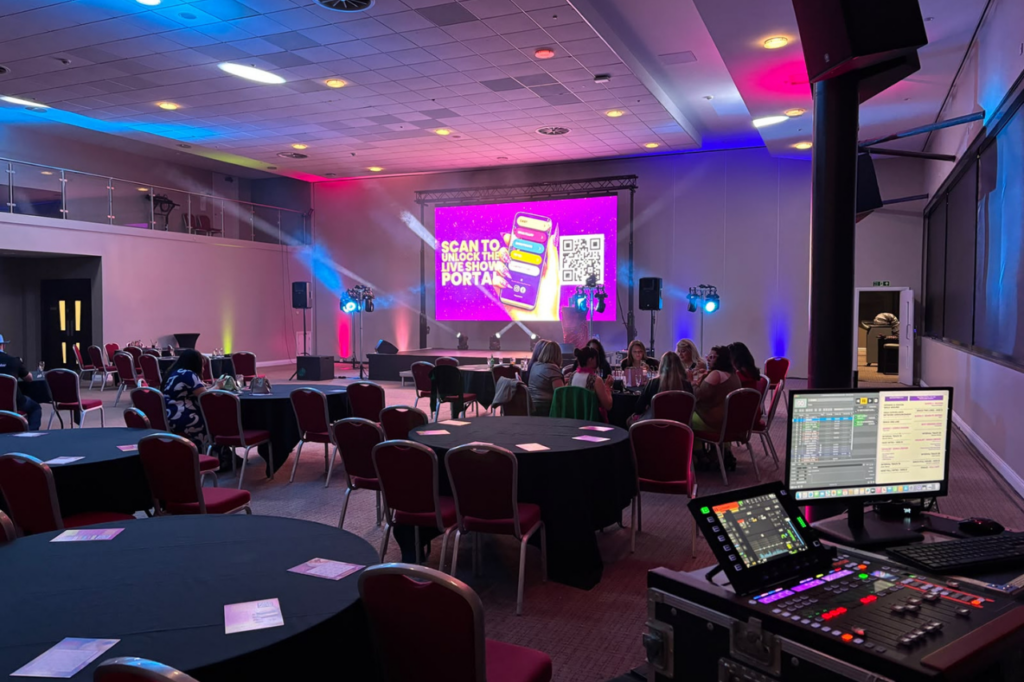
Digital signage has become an important part of modern events, exhibitions, conferences and business presentations. From displaying event schedules to showcasing promotional content, digital screens help organisers communicate information clearly and attract attention.
However, a successful digital signage setup involves more than choosing a screen. The hardware behind the display also plays an important role in how content appears, how equipment operates and how the system fits into the venue.
Understanding digital signage hardware can help businesses and event organisers make better decisions when planning their display requirements.
What Is Digital Signage Hardware?
Digital signage hardware refers to the physical equipment used to display and manage digital content. It includes screens, LED displays, media players, mounting systems, control equipment and the connections needed to operate a display.
The hardware required depends on the purpose of the signage, the venue, viewing distance and the type of content being displayed.
For example, a conference may require a large LED video wall for presentations, while an exhibition stand may use a smaller digital display to showcase products or promotional material.
Essential Digital Signage Hardware for Events
1. Digital Signage Screens and LED Displays
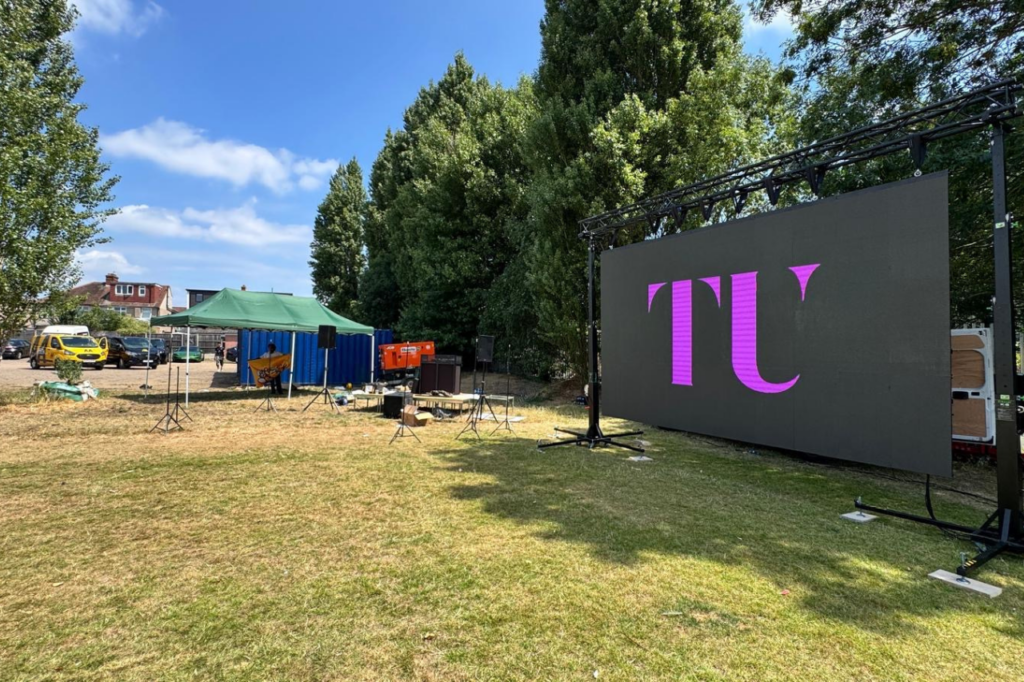
The screen is the most visible part of any digital signage system. Businesses can choose from different display technologies depending on their requirements.
Common options include:
- LED video walls: Suitable for large-scale displays, conference stages, exhibitions and corporate events.
- LCD displays: Often used for smaller screens, presentations, information displays and exhibition content.
- Large-format digital screens: Useful for displaying promotional content, event information and branded visuals.
The right screen depends on factors such as venue size, viewing distance, brightness requirements and the content being displayed.
2. Media Players
Media players are devices that deliver digital content to a screen. Depending on the setup, they may play videos, images, presentations or other visual material.
Some displays have built-in playback capabilities, while others require an external media player or computer.
For events, the playback equipment should be suitable for the content format, display requirements and operating conditions.
3. Display Controllers
Display controllers manage how visual content is sent to certain types of screens, particularly LED video walls.
They can help configure display layouts, manage screen resolution and ensure that content is distributed correctly across the display.
For larger LED installations, controller requirements depend on the screen configuration and the content being displayed.
4. Mounting Systems and Structures
Digital signage needs a suitable support system to position the display securely.
Depending on the venue and screen type, this may include:
- Floor-standing display supports
- Wall mounting brackets
- Exhibition display structures
- LED screen rigging systems
- Stage structures and support frames
The mounting arrangement should account for the screen’s dimensions, weight, location and installation requirements.
For event environments, the structure also needs to suit the venue and any relevant safety requirements.
5. Cables and Connectivity Equipment
Digital signage systems rely on suitable connections between their components.
Common equipment includes:
- HDMI cables
- DisplayPort cables
- Network cables
- Power cables
- Signal distribution equipment
- Video processing connections
Cable requirements depend on the distance between equipment, the display technology and the signal being transmitted.
Planning these connections in advance can help avoid compatibility problems during installation.
Choosing Digital Signage Hardware for Different Events
The hardware required for digital signage varies depending on the event.
Conferences and Corporate Events
Conferences often use digital displays for presentations, speaker content, branding and supporting visuals.
Large LED video walls can provide visibility across a conference room, while smaller displays may be used for registration areas or directional information.
Exhibitions and Trade Shows
Exhibitors use digital signage to attract visitors and communicate product information.
A digital screen can support demonstrations, promotional videos, product presentations and branded content.
The display should be selected according to the exhibition stand’s dimensions, layout and viewing distance.
Product Launches
Product launches may require large displays for videos, presentations and branded visuals.
The hardware should support the intended content and fit the stage design, audience size and venue requirements.
Festivals and Outdoor Events
Outdoor digital signage requires equipment suitable for the environment.
Brightness, weather protection, structural support and power requirements are important considerations when planning outdoor displays.
The equipment should be selected according to the conditions of the venue and the duration of the event.
What to Consider When Choosing Digital Signage Equipment
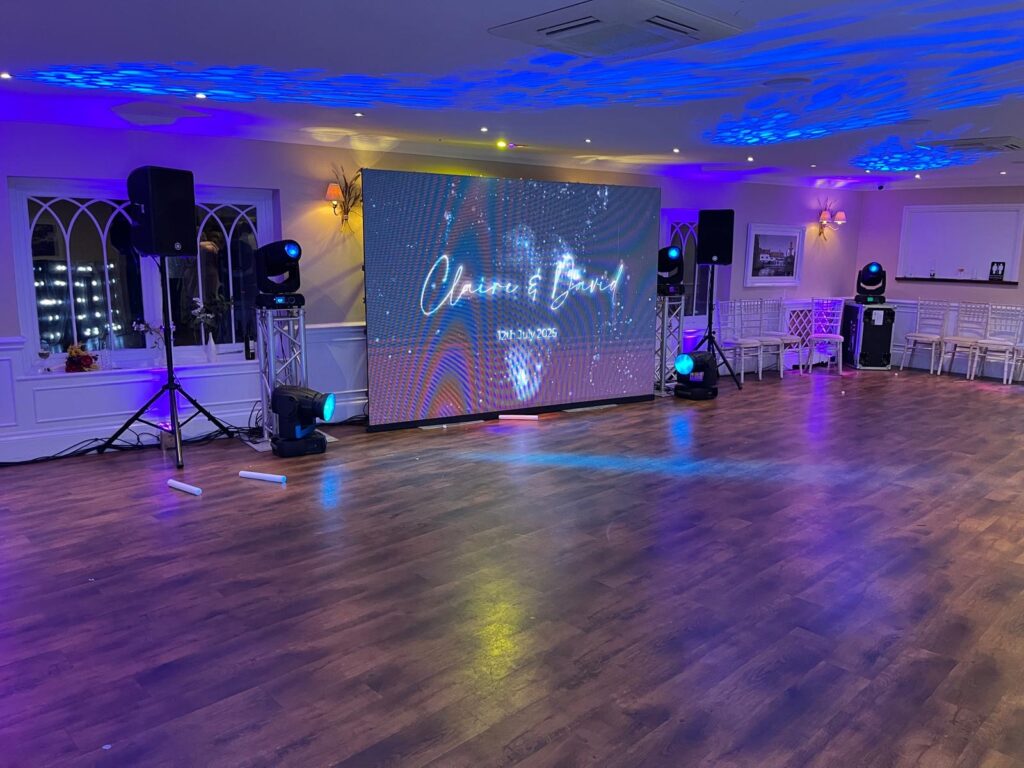
Before selecting digital signage hardware, businesses should assess several important factors.
Screen Size and Viewing Distance
The screen should be large enough for the intended audience to view the content clearly.
A display positioned close to visitors may require different specifications from one intended for a large audience across a venue.
Resolution and Image Quality
Resolution affects the level of detail visible on a screen.
For LED displays, pixel pitch is an important consideration because it influences image clarity at different viewing distances.
Choosing appropriate display specifications helps ensure that presentations, graphics and videos remain readable.
Brightness and Venue Conditions
Brightness requirements vary between indoor and outdoor environments.
A screen used in a brightly lit exhibition hall may need different specifications from one installed in a dark conference room.
Outdoor displays generally require higher brightness to remain visible in daylight.
Content Requirements
The hardware should support the content planned for the event.
Video presentations, live feeds, branded animations and multiple content sources may require different playback and processing equipment.
Organisers should confirm the content formats and technical requirements before finalising the equipment.
Installation and Technical Support
Digital signage hardware may require installation, configuration, testing and technical support.
For larger displays, professional installation can help ensure that the equipment is positioned correctly and that connections and content playback are checked before the event begins.
Should You Buy or Hire Digital Signage Hardware?
Businesses that regularly use digital signage may consider purchasing equipment for long-term use.
However, buying hardware involves more than the initial screen cost. Businesses may also need to consider storage, transport, maintenance, installation equipment and technical expertise.
Hiring digital signage equipment can be a practical option for businesses that need displays for occasional events, exhibitions or temporary campaigns.
Event equipment hire allows organisers to select displays based on the requirements of each event rather than maintaining their own inventory.
For larger events, hiring LED video walls and associated AV equipment can also help simplify equipment planning and installation.
Digital Signage Hardware and Professional Event AV
Digital signage is often part of a wider audiovisual setup.
At conferences, exhibitions and corporate events, displays may work alongside sound systems, microphones, lighting and presentation equipment.
The hardware needs to be compatible with the wider AV arrangement, particularly when displays are used for presentations, live video or multiple content sources.
Planning digital signage alongside the rest of the event’s AV equipment can help create a coordinated setup.
Frequently Asked Questions
What equipment is needed for digital signage?
A digital signage system typically requires a display, a content playback device or integrated playback system, suitable connections and a mounting arrangement. Larger installations may also require display controllers and video processing equipment.
What is the difference between digital signage hardware and software?
Digital signage hardware refers to the physical equipment, such as screens, media players and mounting systems. Software is used to create, schedule, manage or distribute digital content.
Can digital signage hardware be hired for events?
Yes. Digital displays, LED video walls and supporting AV equipment can be hired for temporary events, exhibitions, conferences and corporate presentations.
What digital signage hardware is suitable for exhibitions?
The appropriate equipment depends on the exhibition stand, audience viewing distance and content requirements. Options may include LCD displays, LED video walls and supporting playback equipment.
Does digital signage require professional installation?
Smaller displays may be relatively straightforward to set up, while larger LED video walls and complex display arrangements often require professional installation and technical support.
Plan Your Event Display with Technically Unique
Choosing digital signage hardware involves more than selecting a screen. Display size, viewing distance, content requirements, installation arrangements and venue conditions all influence the equipment needed.
Technically Unique provides audiovisual equipment hire and LED video wall solutions for events. Businesses planning conferences, exhibitions and corporate events can explore suitable display options based on their event requirements.
For event display enquiries, visit Technically Unique’s contact page to discuss your requirements.