

A successful event depends on more than having the right equipment and venue. Every part of the production needs to happen at the right time, from equipment delivery and installation to rehearsals and the final programme.
An event production schedule helps organisers, suppliers and technical teams understand what needs to happen, who is responsible and when each activity should be completed.
It is particularly important for events involving sound systems, LED screens, lighting, presentations and live performances. When several teams are working in the same space, a clear schedule helps prevent delays and confusion.
This guide explains how to prepare an event production schedule and what to include before the event begins.
What Is an Event Production Schedule?
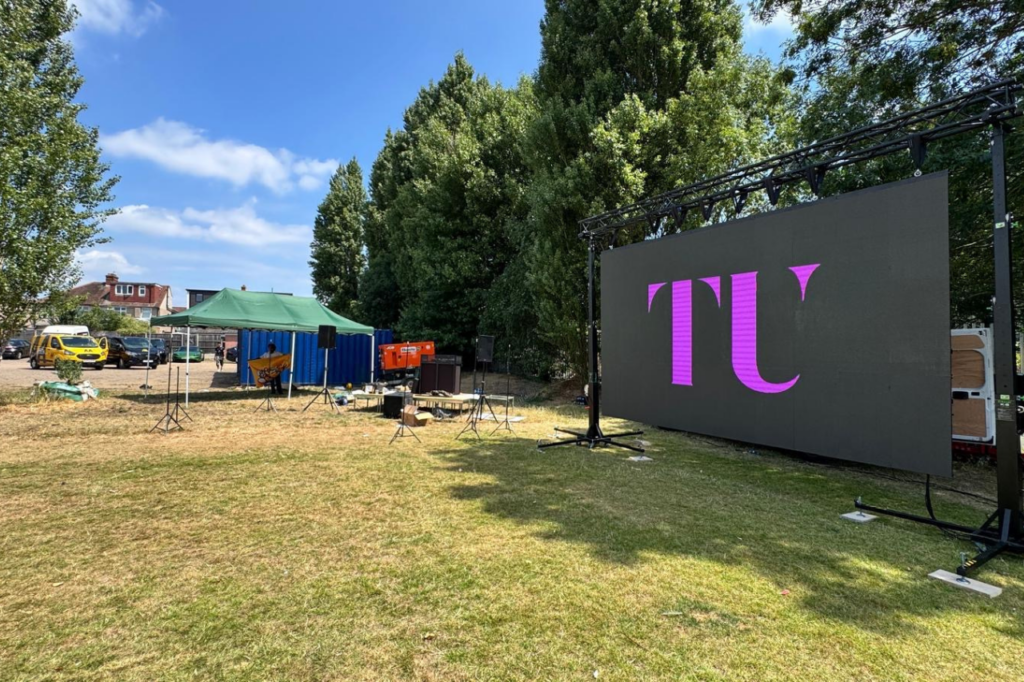
An event production schedule is a timeline of the activities required to prepare, deliver and complete an event.
It covers the technical and operational tasks that take place before and during the programme.
Depending on the event, it may include:
- Venue access and equipment delivery
- Stage and equipment installation
- Sound and lighting checks
- LED screen and video testing
- Technical rehearsals
- Speaker and performer preparation
- Guest arrival
- Live programme timings
- Equipment breakdown and collection
The schedule gives each team a shared reference point. Instead of relying on separate instructions, organisers and suppliers can work from the same agreed timeline.
1. Start with the Event Programme
Before preparing the technical schedule, establish what will happen during the event.
The programme should identify each activity, its expected duration and the people involved.
For example, a corporate conference may include:
- Guest registration
- Opening remarks
- Keynote presentation
- Panel discussion
- Product demonstration
- Refreshment break
- Afternoon presentations
- Closing remarks
Each activity may have different technical requirements.
A keynote presentation might need a microphone and presentation slides, while a panel discussion may require several microphones and a different stage arrangement.
Understanding the programme first makes it easier to identify the equipment, personnel and preparation time required.
2. Confirm Venue Access and Installation Times
The production schedule should begin before the audience arrives.
Confirm when suppliers can access the venue and how much time is available for equipment delivery and installation.
Important details include:
- Venue opening and access times
- Loading bay arrangements
- Equipment delivery restrictions
- Lift and access dimensions
- Installation deadlines
- Sound restrictions
- Rehearsal availability
- Event start and finish times
Some venues have restricted access or other activities taking place before the event. These limitations should be included in the schedule.
Allow enough time for equipment installation, connections and technical checks rather than planning everything around the event start time.
3. Schedule AV Equipment Setup
Different equipment may require different installation and testing procedures.
The technical schedule should identify when each part of the AV setup will be completed.
Sound System
Sound setup may include positioning speakers, connecting audio equipment, arranging microphones and testing the mixing desk.
A sound check should take place before the event so the technical team can assess audio levels and confirm that microphones and playback sources work correctly.
LED Screens and Video Displays
LED screens need to be installed, connected and tested before they are used during the programme.
The schedule should allow time to check:
- Screen configuration
- Video signal connections
- Playback equipment
- Presentation formats
- Video content
- Live camera feeds, where required
Content should be tested using the files that will actually be used during the event.
Lighting Equipment
Lighting preparation may involve positioning fixtures, connecting control equipment and checking programmed lighting scenes.
The team should also confirm how lighting will change between different programme sections.
Presentation Equipment
Laptops, presentation files, video playback systems and other sources should be tested before speakers begin their sessions.
Where several presenters are involved, allow time to check their individual files and connections.
4. Include Time for Technical Rehearsals
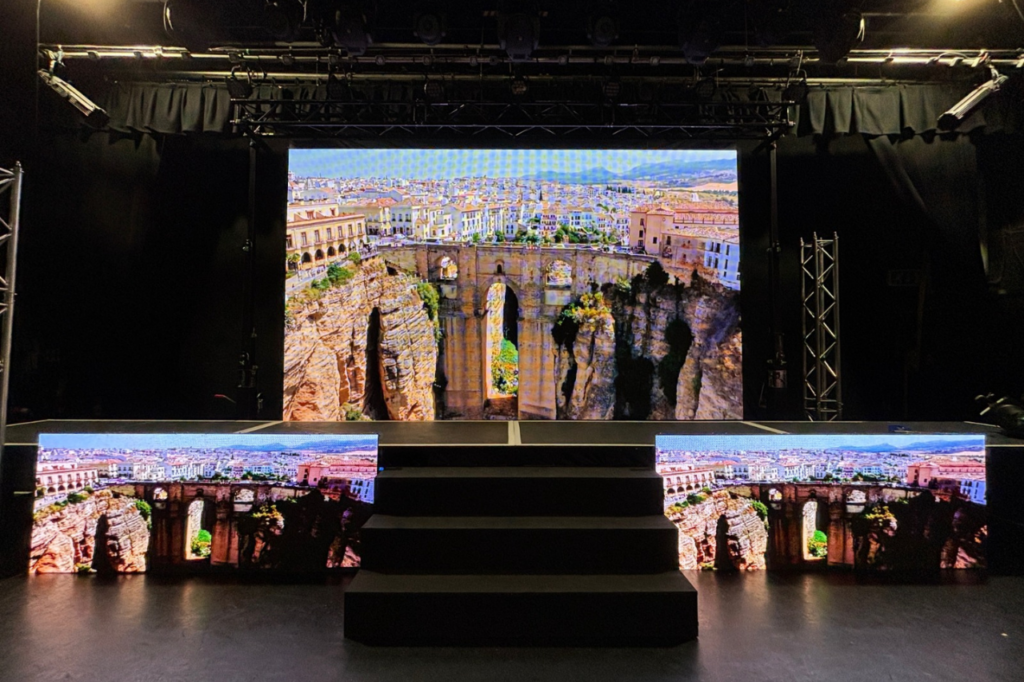
A technical rehearsal gives the production team an opportunity to test how the different elements work together.
It is not simply an equipment check. It should follow the event programme as closely as possible.
Depending on the event, a rehearsal may include:
- Testing microphones and audio playback
- Checking presentation slides
- Playing video introductions
- Testing lighting changes
- Reviewing live camera feeds
- Practising transitions between speakers
- Confirming stage entrances and exits
For events with multiple speakers or performers, it is useful to rehearse important transitions.
For example, the technical team should know when to display the next presentation, switch microphones or change the lighting.
5. Prepare a Run of Show
A run of show is a detailed timeline of what happens during the live event.
It is more specific than a general event programme because it can include technical cues and instructions for the production team.
A simplified example might look like this:
| Time | Activity | Technical Cue |
|---|---|---|
| 09:00 | Guest registration | Display welcome screen and background music |
| 09:30 | Opening remarks | Prepare presenter microphone |
| 09:35 | Keynote presentation | Display opening slides |
| 10:15 | Video presentation | Switch to video playback |
| 10:20 | Panel discussion | Prepare microphones for panellists |
| 11:00 | Refreshment break | Display break information |
| 11:30 | Afternoon session | Return to presentation layout |
| 12:30 | Closing remarks | Display closing graphics |
The times above are illustrative. The actual schedule should reflect the event’s agreed programme.
A detailed run of show should also identify who is responsible for each cue.
6. Assign Responsibilities to the Right People
A production schedule is only useful if everyone understands their responsibilities.
The organiser, venue team, AV supplier, presenters and event staff may all have different tasks.
For example:
| Role | Typical Responsibility |
|---|---|
| Event organiser | Confirms the programme and coordinates stakeholders |
| Production manager | Coordinates the production schedule and technical teams |
| AV technicians | Set up, test and operate assigned equipment |
| Presenter or speaker | Provides presentation materials and follows agreed timings |
| Venue team | Confirms access, facilities and venue requirements |
| Stage manager | Coordinates stage activity and live programme cues, where assigned |
Responsibilities will vary depending on the size and structure of the event.
It is important to establish who has authority to approve schedule changes and communicate them to the relevant teams.
7. Allow Time for Delays and Changes
Even a well-prepared event can experience unexpected changes.
A speaker may arrive late, a presentation may need updating or an installation task may take longer than expected.
Avoid creating a schedule where every activity follows immediately after the previous one without any flexibility.
Consider allowing time for:
- Additional equipment checks
- Speaker preparation
- Presentation changes
- Rehearsal adjustments
- Venue access delays
- Programme overruns
A contingency period can help the team manage minor delays without affecting the entire event.
8. Share the Final Schedule with Everyone Involved
Once the schedule has been agreed, distribute the correct version to the people who need it.
The document should include the event date, venue, schedule version and relevant contact details.
If timings change, communicate the update clearly rather than relying on informal conversations.
For larger productions, it can be useful to keep separate documents for the main event programme and the technical run of show. Both should use consistent timings.
Common Event Production Scheduling Mistakes
Several problems can affect an event when its production schedule is incomplete or unrealistic.
Leaving Too Little Time for Installation
Equipment delivery, positioning, connections and testing all take time. A schedule that only allows for the event itself may leave the technical team without enough preparation time.
Forgetting to Schedule Rehearsals
Equipment may work during an initial test but still need adjustments when used with the actual programme.
A rehearsal helps identify problems with transitions, playback and communication before the audience arrives.
Not Confirming Presentation Materials
Presenters may provide updated slides or videos shortly before the event. The production team needs a clear process for receiving, checking and preparing these files.
Giving Teams Different Timings
If the organiser, venue and technical suppliers are working from different schedules, important activities can be missed.
Use one agreed version and communicate changes to everyone affected.
Ignoring Equipment Breakdown
The schedule should also cover the end of the event.
Allow time for equipment shutdown, dismantling, packing and removal. Venue access arrangements may also affect when equipment can be collected.
Event Production Schedule Checklist
Before the event, confirm that the following details have been covered:
- Final event programme approved
- Venue access and loading times confirmed
- Equipment delivery schedule agreed
- AV installation tasks assigned
- Sound, lighting and video checks scheduled
- Presentation materials received and tested
- Technical rehearsal arranged
- Run of show prepared
- Responsibilities and contact details shared
- Contingency time included
- Equipment breakdown and collection scheduled
A completed checklist helps organisers identify missing tasks before the production begins.
Frequently Asked Questions
What should an event production schedule include?
It should include venue access, equipment delivery, installation, technical checks, rehearsals, live programme timings, responsibilities and equipment breakdown.
What is the difference between an event programme and a run of show?
An event programme gives an overview of the activities and their timings. A run of show provides more detailed instructions, including technical cues and responsibilities during the live event.
Who prepares the event production schedule?
The event organiser or production manager usually coordinates the schedule, working with the venue, AV supplier and other relevant teams.
How much time should be allowed for AV setup?
There is no single timeframe for every event. It depends on the equipment, venue access, stage arrangement and complexity of the production. The technical supplier should confirm the required installation and testing time.
Is a technical rehearsal necessary for every event?
Not every event needs a full rehearsal. However, events involving multiple speakers, presentations, performances or complex technical cues can benefit from one.
Should the production schedule include equipment breakdown?
Yes. The schedule should cover the end of the event, including equipment shutdown, dismantling, packing and collection.
Coordinate Your Event AV Production with Technically Unique
A clear event production schedule helps organisers coordinate equipment, technical teams and programme timings. It also gives suppliers the information they need to prepare for installation, testing and live operation.
Technically Unique provides event AV and LED display hire services. Organisers planning an upcoming event can discuss their technical requirements, venue access and production schedule.
For enquiries, visit Technically Unique’s contact page or call 0208 058 2428.